Tuesday, June 9, 2026
Enhanced Presets
Presets can now do a lot more:
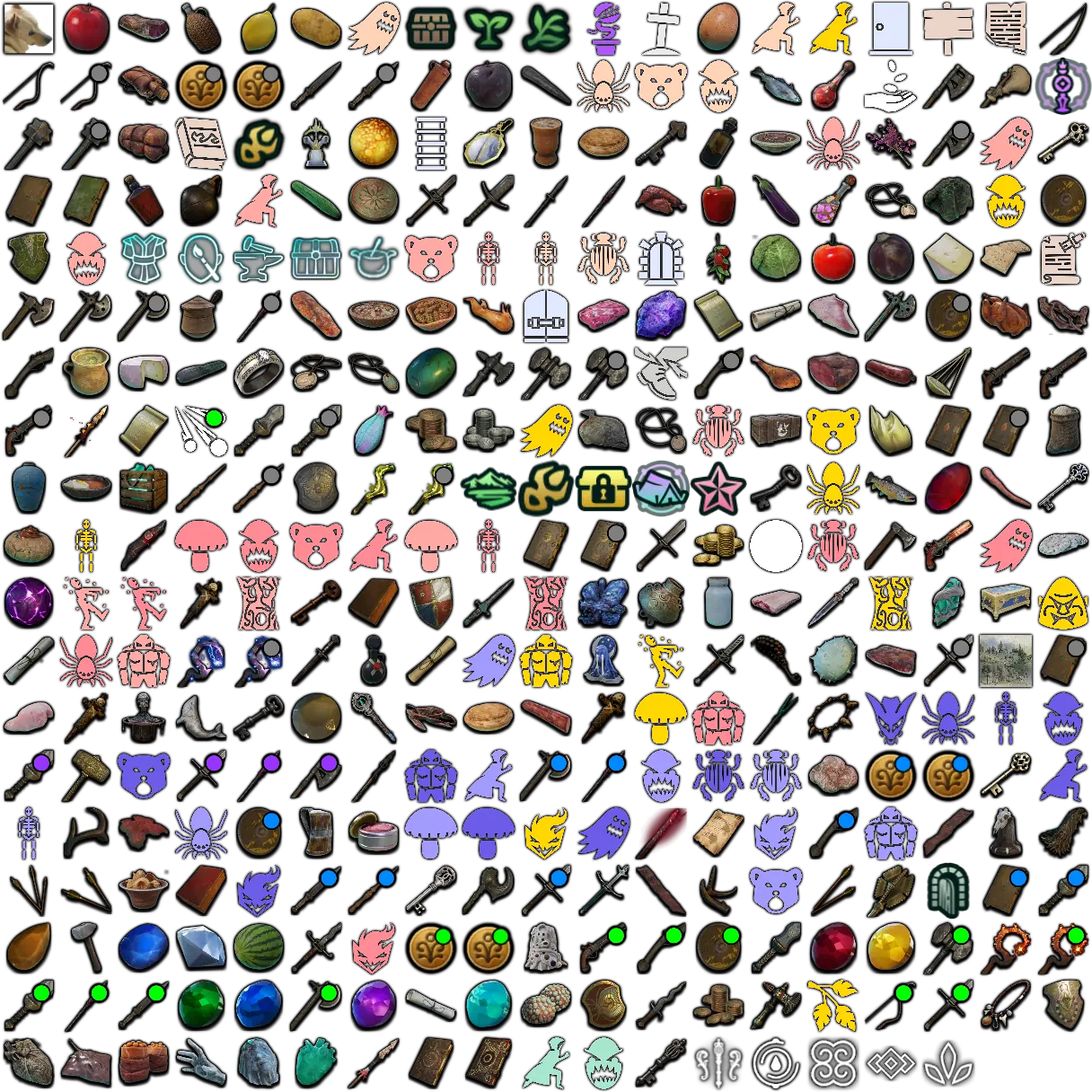
- Save sizes & alerts, not just filters — when you save a preset, pick what it captures: active Filters, your icon sizes, and your audio alerts. Applying it restores exactly those.
- Drag to reorder — grab the handle and arrange presets in any order (e.g. one per map).
- Export & import — share a single preset as a file with a friend; importing adds it to your list without overwriting your other presets or profile.
- Plus one-click Update (re-save a preset to your current setup) and an active highlight on the preset that matches your current view.
Per-Filter Live Mode
Live mode is no longer all-or-nothing. Set it per filter — choose whether each one shows as Predicted, Combined, or Live. For example, track bugs live while keeping ore as predicted locations.
See Your Active Audio Alerts
Ever wondered where that ping is coming from? Settings now lists every enabled audio alert in one place, so you can see and turn off exactly what's making sound. You can also enable an optional notification that names the alert that just fired.
More Reliable Peer Link
Peer Link now runs on our own signaling server instead of a shared public one — fixing the intermittent "can't connect to peer mesh" drops some of you ran into.
Bug Fixes
- Audio alerts no longer ping for nodes you've already marked as discovered.
- "Mark discovered" (F10) now works in Live mode and correctly greys out / hides respawning nodes across all view modes.
- Shared route/filter files that had stopped showing on the map now import and display correctly again.
- @Palia: amber-encased fishing hotspots are now a separate (infected) filter — they don't give starred fish, so you can hide them when hunting for stars.


